

 WordPress Plugins
Product Description
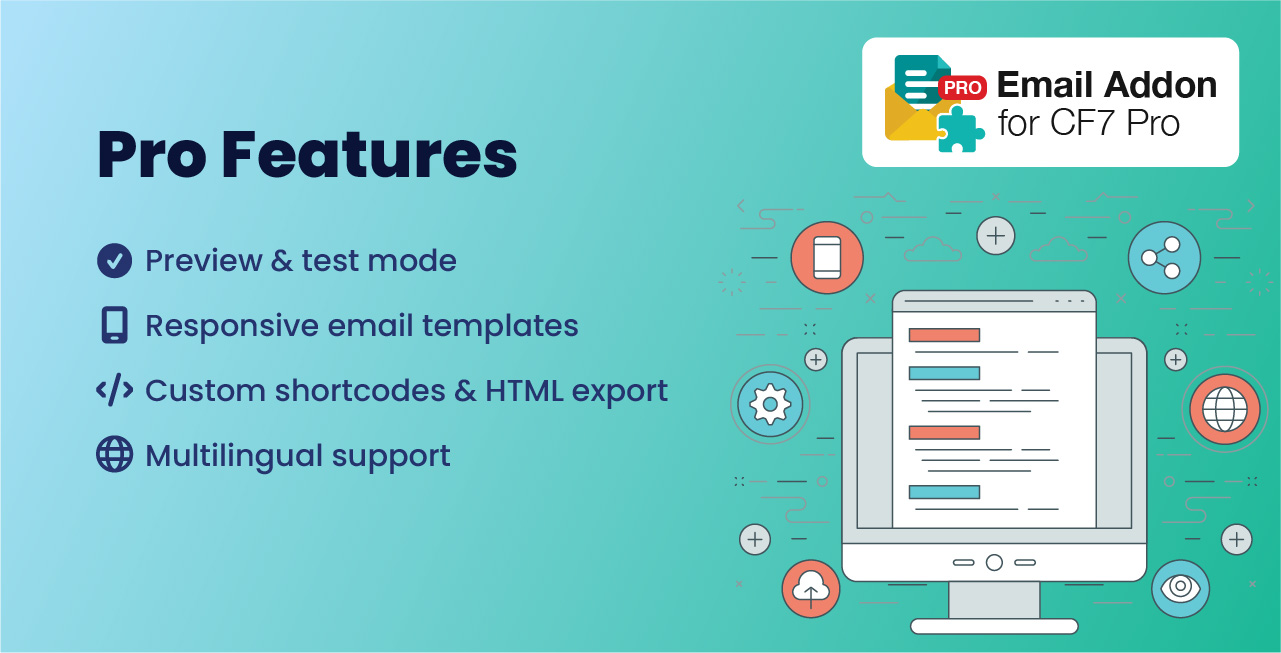
Email Addon For CF7 is an easy-to-use extension for Contact Form 7 that helps you design and send beautiful, professional-looking emails instead of the default plain messages. It comes with more than 18 ready-made, mobile-friendly templates that you can apply with a single click. Once you choose a template, you can fully customize it and update the text, change links, add images or logos, and even include buttons all without needing any coding knowledge.
The addon makes it simple to match your emails with your brand and communicate more effectively with your users. You can create separate designs for the admin and the user, so both sides get emails that look polished and engaging. With the built-in preview and test-send options, you’ll always know exactly how your message will look before it goes out.
For extra flexibility, you can also add or remove form fields, insert dynamic tags (like user names or email addresses) directly into your templates, and copy shortcodes with one click. If you want to use your email designs outside of Contact Form 7, you can download any template as an HTML file and reuse it wherever you need.
Whether you’re confirming a user’s message, sending yourself a notification, or experimenting with different designs to see which works best, Email Addon For CF7 gives you the tools to create attractive, effective emails quickly and with minimum effort.
| Product Information Table | |
|---|---|
| Product Name: | Email Addon For CF7 Pro |
| Developed by: | KrishaWeb |
| Latest Version: | 1.7 |
| WordPress version compatibility: | 5.6 or higher |
Installation Steps:
- In your WordPress Dashboard go to “Plugins” -> “Add Plugin”.
- Search for “Email Addon For CF7 Pro”.
- Install the plugin by pressing the “Install” button.
- Activate the plugin by pressing the “Activate” button.




Reviews
There are no reviews yet.