
Here is a scenario most WordPress developers have lived through.
You are building a site for a client. They want a contact form in the hero section’s popup, a different form on the services page, and a third one embedded in a sidebar widget. You are already using ACF Pro for custom fields across the site. Contact Form 7 is handling the forms. The natural next move is to create a text field in ACF, label it something like “Contact Form Shortcode,” and document somewhere that the client needs to paste the CF7 shortcode string into that field.
You know before you even finish building it that this is going to cause a support ticket in three months.
The client will forget the format. They will paste the wrong ID. They will edit the shortcode and break the bracket. Someone will copy it with a trailing space and spend twenty minutes wondering why the form is not rendering. And when CF7 eventually regenerates a form ID, you will be hunting down every ACF text field on the site that contains the old one.
This is not a catastrophic problem. It is just friction. Compounding, recurring, avoidable friction.
ACF Field for Contact Form 7 Pro is the fix. One plugin that adds a proper, native CF7 field type inside ACF Pro so the whole shortcode dance never needs to happen.
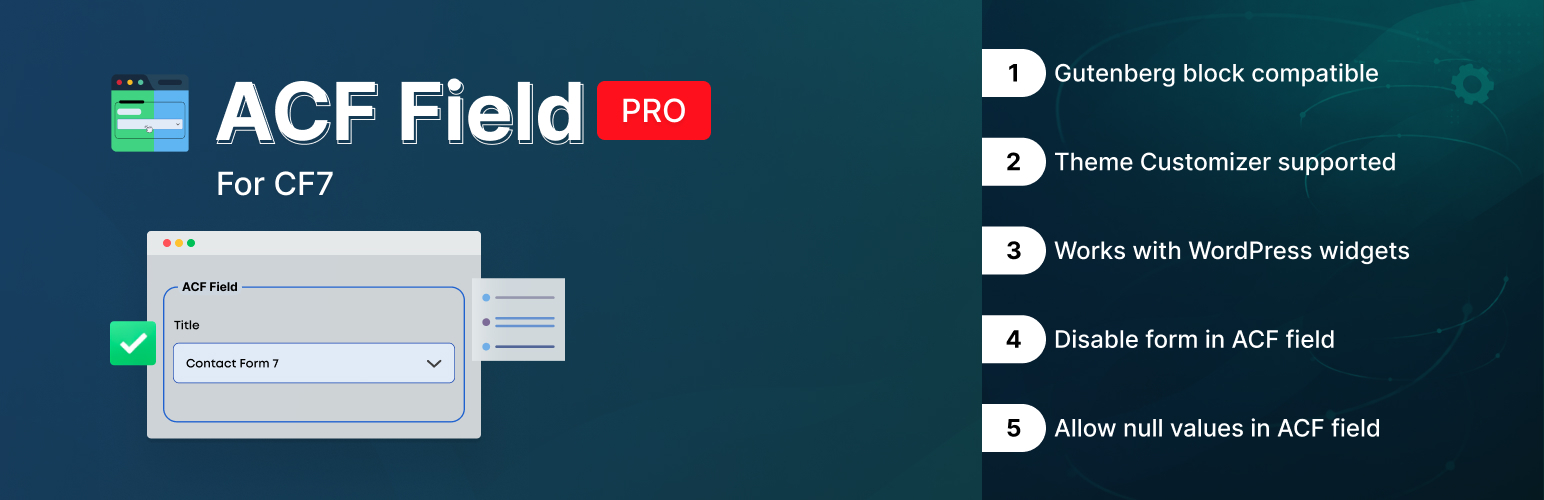
The plugin registers a new field type inside ACF Pro. It shows up in the field type picker alongside Text, Image, Post Object, and the rest. You add it to a field group the same way you add anything else. When an editor opens a post, page, or custom post type with this field, they see a dropdown. The dropdown lists every Contact Form 7 form on the site by name. They pick the one they want. Done.
On the developer side, retrieving the value is exactly what you would expect:
$form = get_field( ‘contact_form’ );
if ( $form ) {
echo $form;
}
That echo outputs the full, rendered Contact Form 7 markup. Not the shortcode. Not an ID you still have to process. The actual form, ready to display. No do_shortcode() anywhere in sight.
If you have spent time cleaning up do_shortcode() calls scattered across theme templates, you already understand why that matters.
It is a proper ACF field. Not a text field with a description saying “paste your CF7 shortcode here.” Not a select field you manually populate with form IDs and have to update every time someone adds a new form. A real, registered ACF field type that reads directly from CF7’s form list.
It supports conditional logic, works on options pages, works on custom post types, and behaves consistently everywhere ACF supports field output. If you register field groups programmatically, the field type is available the same way as any other ACF field type.
Sites accumulate forms the same way they accumulate plugins—slowly and without anyone noticing until the dropdown has twelve entries and half of them are test forms from 2021.
The plugin lets you disable specific forms. A disabled form disappears from the dropdown without being deleted from the database. You can re-enable it any time. Existing field assignments that were already pointing to a now-disabled form continue to render correctly—disabling only prevents new selections. It sounds minor. On a site that has been in production for a couple of years with an active content team, it is genuinely useful.
This is the one that actually changes how you write template code.
Before this plugin, embedding a CF7 form through ACF looked something like this:
$shortcode = get_field( ‘contact_form_shortcode’ );
if ( $shortcode ) {
echo do_shortcode( $shortcode );
}
Which works. But it relies on a non-technical editor having correctly pasted a shortcode string into a text field. That string is the single point of failure between your template and a working form.
With this plugin:
$form = get_field( ‘contact_form’ );
if ( $form ) {
echo $form;
}
The plugin handles the rendering. get_field() returns the markup. You echo it. Nothing else to manage, nothing for an editor to break.
If you build sites using ACF’s block registration system, the CF7 field type works inside your block’s field group with no special configuration. The render callback retrieves the field the normal way and outputs it. The block editor preview shows the form correctly. Content editors use the block and select a form from the sidebar field, and the form appears on the front end.
The alternative — hardcoding a form ID in a block template or exposing a text field for the editor to paste a shortcode into — creates the same problems in Gutenberg that it creates everywhere else. This solves it in blocks the same way it solves it everywhere else.
Works in widgets. Classic widgets, widget blocks, and custom widget areas registered in a theme — the field output is consistent regardless of context. If you are surfacing ACF fields in a sidebar and one of those fields needs to be a form selector, the behavior here is the same as in a post template.
More niche, but genuinely handy in specific builds. If you have a theme that uses the WordPress Customizer for site-wide settings—a global contact section, a sticky footer form, a slide-in panel that appears on every page—you can wire this field type into those Customizer panels.
The Customizer live preview updates when the editor switches forms. They see the change in real time before saving. For agency builds where clients want to preview changes without publishing them, this is exactly the kind of feature that keeps a client happy during a review session.
The shortcode-in-a-text-field approach is not wrong. It works. Developers have been using it for years, and sites have not collapsed. But let’s be honest about what that workflow actually costs across the lifetime of a project.
During the build, you document the shortcode format in your handoff notes and hope the client reads it. During UAT, at least one tester will have a form that is not rendering because the shortcode was pasted incorrectly. During training, you explain to a content editor what a shortcode is and why they must not change anything inside the brackets. Six months after launch, you get a support email because someone added a new CF7 form and cannot figure out how to embed it. A year after launch, a form ID changes during a CF7 update, and three pages quietly break.
With the CF7 field type, the developer adds the field to the group. The editor picks the form from a dropdown that always reflects the current site state. The template outputs the field value. When forms change, the dropdown updates automatically. When a form is retired, it gets disabled. There is no documentation needed, no shortcode to explain, no text field to corrupt.
The time saving per project is maybe an hour or two. Across a year of WordPress projects, it adds up to something meaningful. And the category of “client broke the contact form by editing the shortcode” support tickets just stops existing.
The plugin works with both the Advanced Custom Fields free and ACF Pro. No Pro license is required—install either version of ACF alongside Contact Form 7, and the CF7 field type registers correctly.
Contact Form 7 needs to be installed and have at least one form created. The field dropdown is populated from whatever CF7 forms exist on the site, so an empty CF7 installation gives you an empty dropdown.
For multisite setups, the plugin works per-subsite. Each site in the network has its own CF7 forms and its own ACF fields, and the dropdown on each subsite reflects that site’s forms.
One thing worth noting for template developers: the output from get_field() is HTML that should be echoed directly. Do not run it through esc_html() — that will strip the markup. Do not run it through wp_kses_post() unless you have configured the allowed tags list to include everything CF7 outputs. The standard if / echo pattern is intentional.
| Feature | What It Does |
| CF7 Field Type | Native ACF field type — dropdown populated directly from CF7 forms |
| Disable Forms | Removes individual forms from the dropdown without deleting them |
| Ready Output | get_field() returns rendered markup—no do_shortcode() needed |
| Gutenberg Support | Works inside ACF blocks with standard render callback output |
| Widget Support | Compatible with classic widgets and widget block contexts |
| Customizer Support | Live-preview form switching inside Theme Customizer panels |
| Multisite | Works per-subsite on WordPress multisite installations |
Version 2.0 is a focused maintenance and compatibility release. We dropped legacy support for ACF 3 and ACF 4 — both have been end-of-life for years — and tightened full compatibility with ACF 5 and ACF 6. Contact Form 7 v5.9 and above is fully supported. Under the hood, deprecated code has been removed, and security and performance issues from the previous version are resolved. If you are running ACF 5 or 6 with CF7 5.9+, this is the version to be on.
Both ACF Free and ACF Pro work with this plugin. You do not need a Pro license to use the CF7 field type — it registers correctly on either version. If you are on ACF free, you still get the full dropdown and rendered output.
You get the rendered Contact Form 7 form markup—the same HTML CF7 would output if you ran the shortcode through the WordPress content filter. Echo it directly. Do not process it further, do not escape it with esc_html(), and you do not need to do_shortcode() anywhere.
No. Disabling a form removes it from the dropdown for new selections. Pages that are already using that form continue to render it correctly. The disabled feature is editorial—it limits what editors can select going forward; it does not change what is already assigned.
The field returns empty or null. Build your templates to handle that gracefully:
$form = get_field( ‘contact_form’ );
if ( $form ) {
echo $form;
}
The conditional catches the empty case. No PHP errors, no broken output — the field renders nothing.
No, the_field() cannot be used because it strips HTML markup. Instead, you should use echo get_field() to properly render the Contact Form 7 output.
Yes. Options pages are just another ACF context, and the CF7 field type works the same way there. If you want a site-wide default form stored on an options page that individual templates can fall back to, the setup is identical to any other ACF options field.
Each subsite maintains its own CF7 forms and its own ACF field data. The dropdown on a given subsite only shows forms from that subsite. If you manage forms network-wide, you will need to handle that at the CF7 level—this plugin reflects whatever CF7 exposes on the current site.
ACF and Contact Form 7 are two of the most widely used plugins in professional WordPress development. They sit next to each other in almost every client project. This plugin is the piece that should have existed from the beginning — it makes them work together the way you want, with a clean interface for editors and clean output for templates.
If your current approach is text fields and shortcode documentation, give this a try on your next project. The workflow change takes about ten minutes. The reduction in friction lasts the lifetime of the site.
Available at store.krishaweb.com. Requires Advanced Custom Fields Pro and Contact Form 7.


 WordPress Plugins


