You don't have javascript enabled. Good luck with that. Admin Tour Pro WordPress Plugin | KrishaStore

Admin Tour PRO

Downloads: 210 | Updated: October 17, 2025
$9.99
0 out of 5 based on 0 customer ratings
Gives ability to provide onboarding for customer or vendor users.

Key Features

  • Easily customizable
  • Default steps applied for vendor user of Dokan
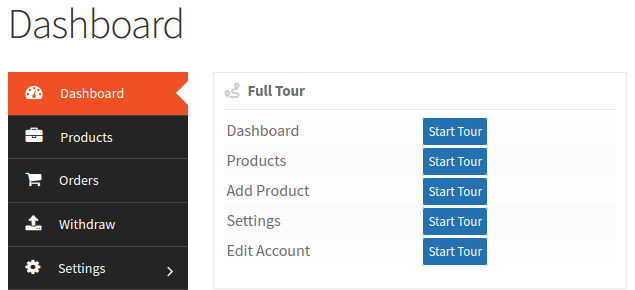
  • Dashboard widget added for all the tours within the vendor
  • Compatible with WooCommerce customer

Product Description

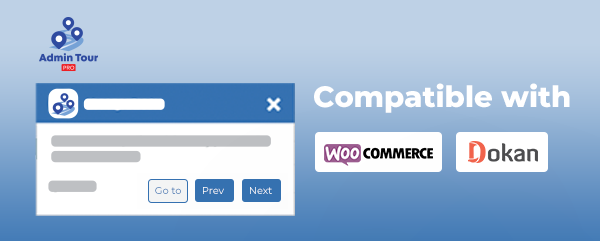
Admin Tour PRO plugin is compatible with WooCommerce and Dokan.

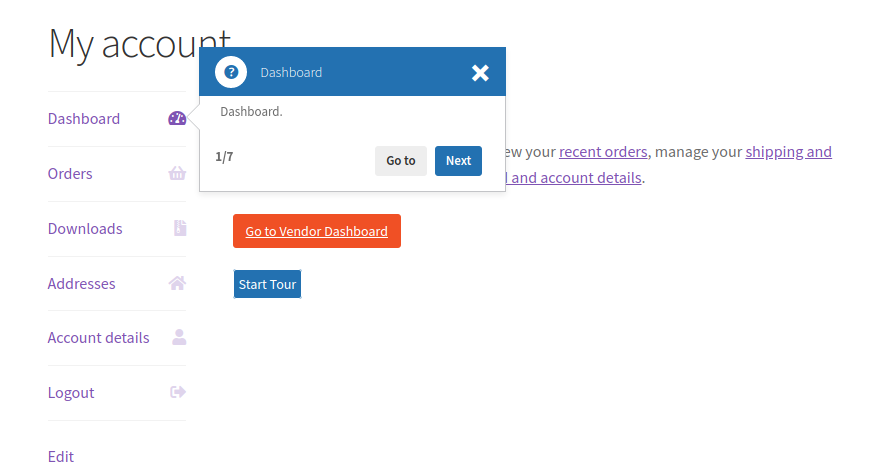
Once the plugin is activated, customers or vendors will see an option to view the tour after logging into their account.

There are default tour steps available, and if you are a developer, you can also add or rearrange the steps easily using hooks and filters.

Product Information Table
Product Name:Admin Tour PRO
Developed by:KrishaWeb
Latest Version:2.0
WordPress Version Compatibility:5.6 or higher

Key Features:-

1. Guided Tours for Admin, Vendor, and Customer

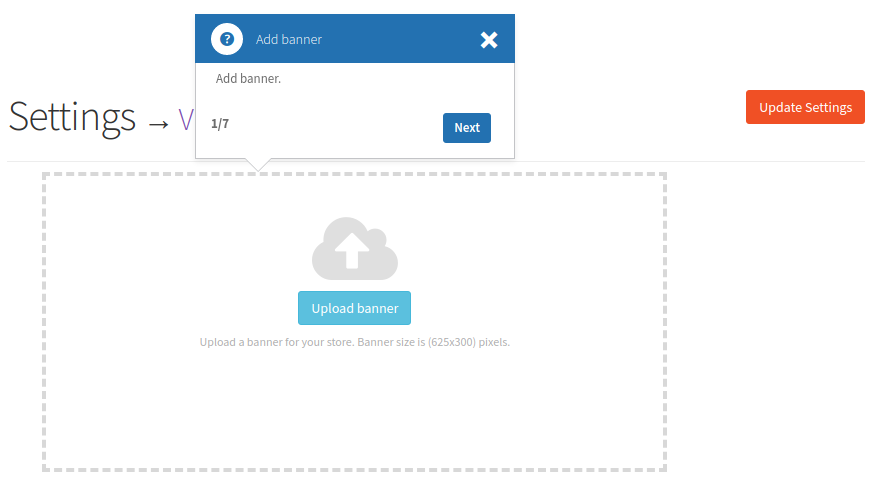
Admin Tour PRO helps new users understand the dashboard easily.
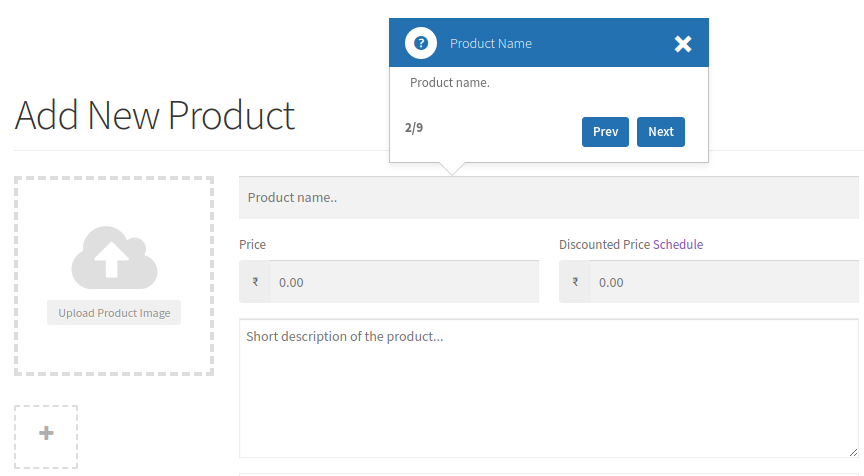
It shows step-by-step tours that highlight important buttons and pages.
Admins, customers, and vendors can follow the guide to learn how to use the panel without any confusion.

2. Easy to Customize for Developers

Developers can add, remove, or change the tour steps using simple hooks and filters.
This makes it easy to adjust the tour for custom pages or special features in your website.

3. Works with WooCommerce and Dokan

The plugin works perfectly with WooCommerce and Dokan.
When users log in, they will see an option to start a tour.
It includes ready steps for vendors and customers to understand how to manage products, orders, and settings.

Installation Steps:-

  • Copy the admin-tour-pro folder into your wp-content/plugins directory.
  • Activate the Admin Tour PRO plugin from the Plugins page in your WordPress admin.
Features

  • Guided Tours for Admin, Vendor, and Customer
    • Admin Tour PRO helps new users understand the dashboard easily.
    • It shows step-by-step tours that highlight important buttons and pages.
    • Admins, customers, and vendors can follow the guide to learn how to use the panel without any confusion.
  • Easy to Customize for Developers
    • Developers can add, remove, or change the tour steps using simple hooks and filters.
    • This makes it easy to adjust the tour for custom pages or special features in your website.
  • Works with WooCommerce and Dokan
    • The plugin works perfectly with WooCommerce and Dokan.
    • When users log in, they will see an option to start a tour.
    • It includes ready steps for vendors and customers to understand how to manage products, orders, and settings.

FAQ’s

Reviews

There are no reviews yet.

Only logged in customers who have purchased this product may leave a review.

You May Also Like

  • Password Reset Log MUPR Add On

    Password Reset Log is an add-on for the Mass User Reset Password plugin that records password reset activity, helping admins easily track and review reset actions for better control and security.
    Price range: $7.99 through $79.99 / month
    340 Sales
    Last Updated: April 2, 2026
  • support
    24x7 Support
  • lower-price
    Lower Price
  • quality-products
    Quality Products
  • easy-buying
    Easy Buying